 Türkçe
 Deutsch
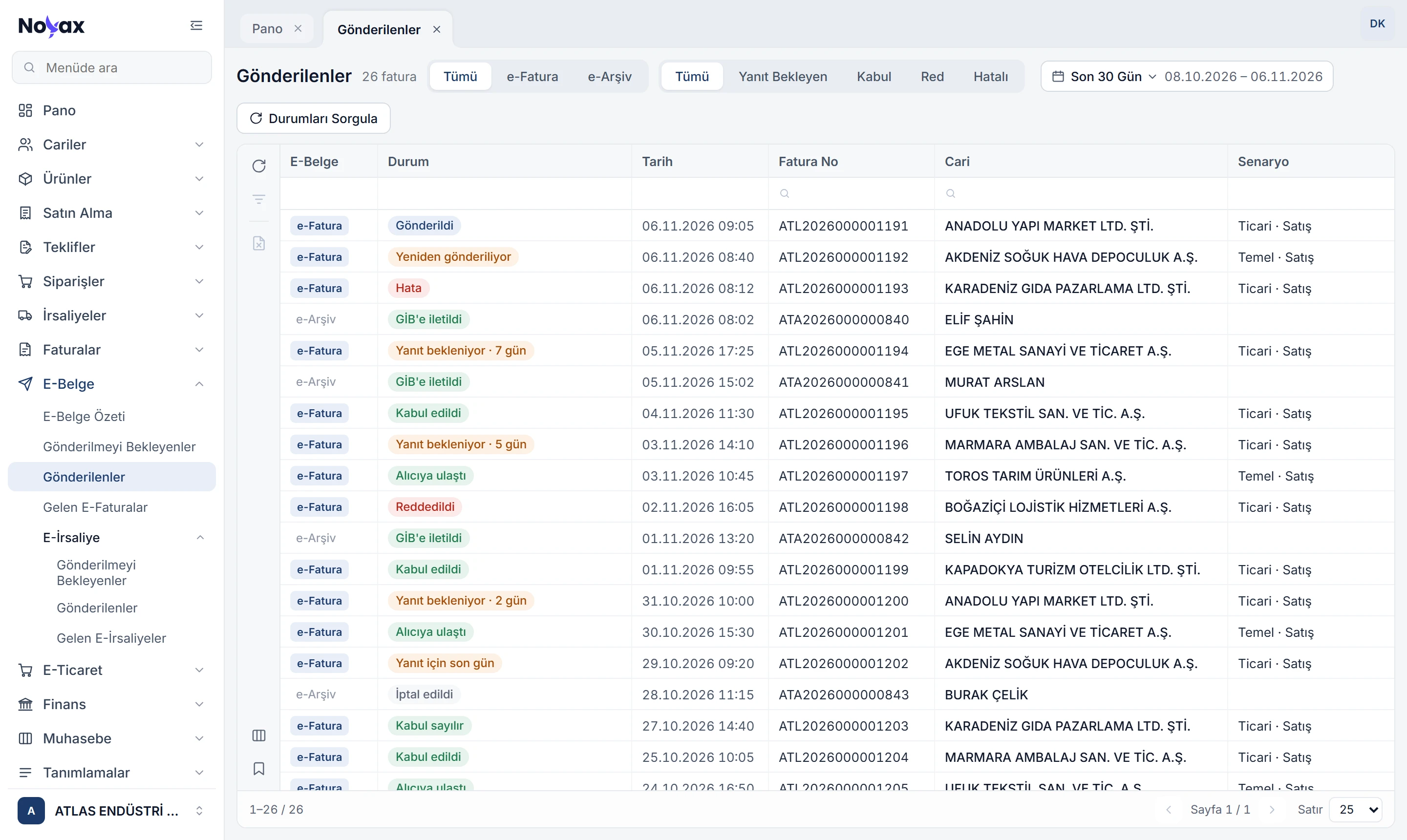
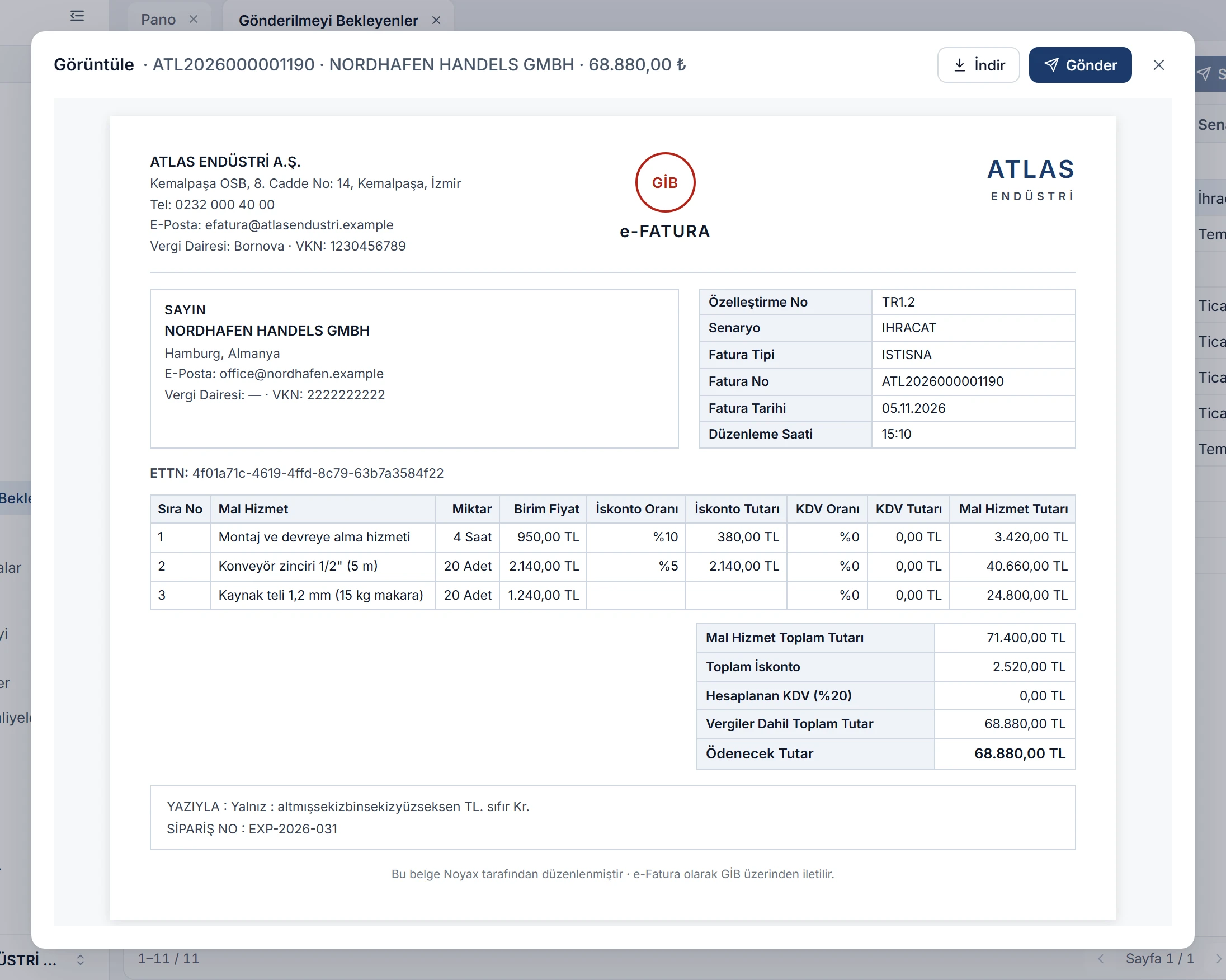
Send waiting invoices in one go
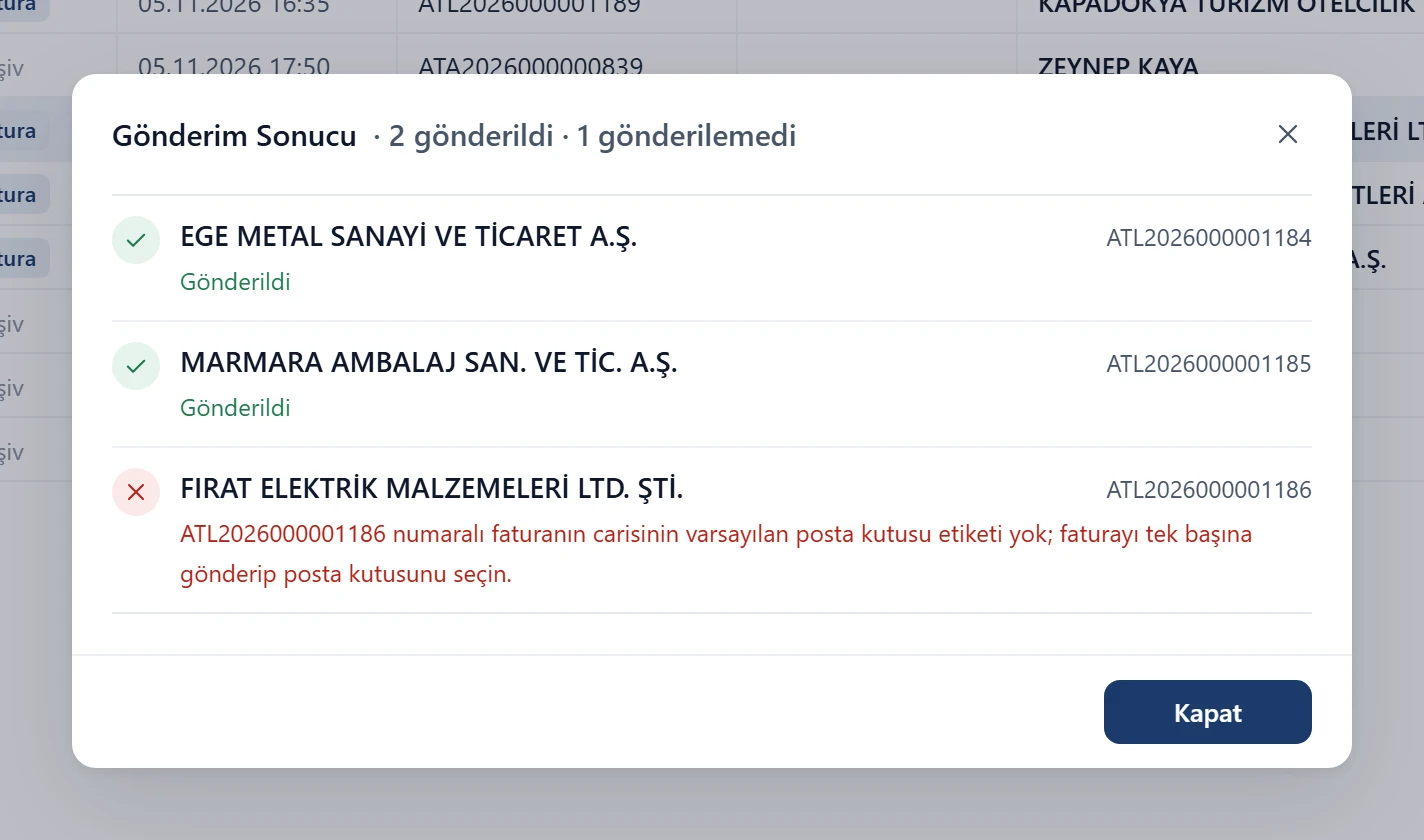
Select invoices in the Awaiting sending list and send them together. When sending finishes, one window lists the result of every invoice: which went through, and why any didn’t.
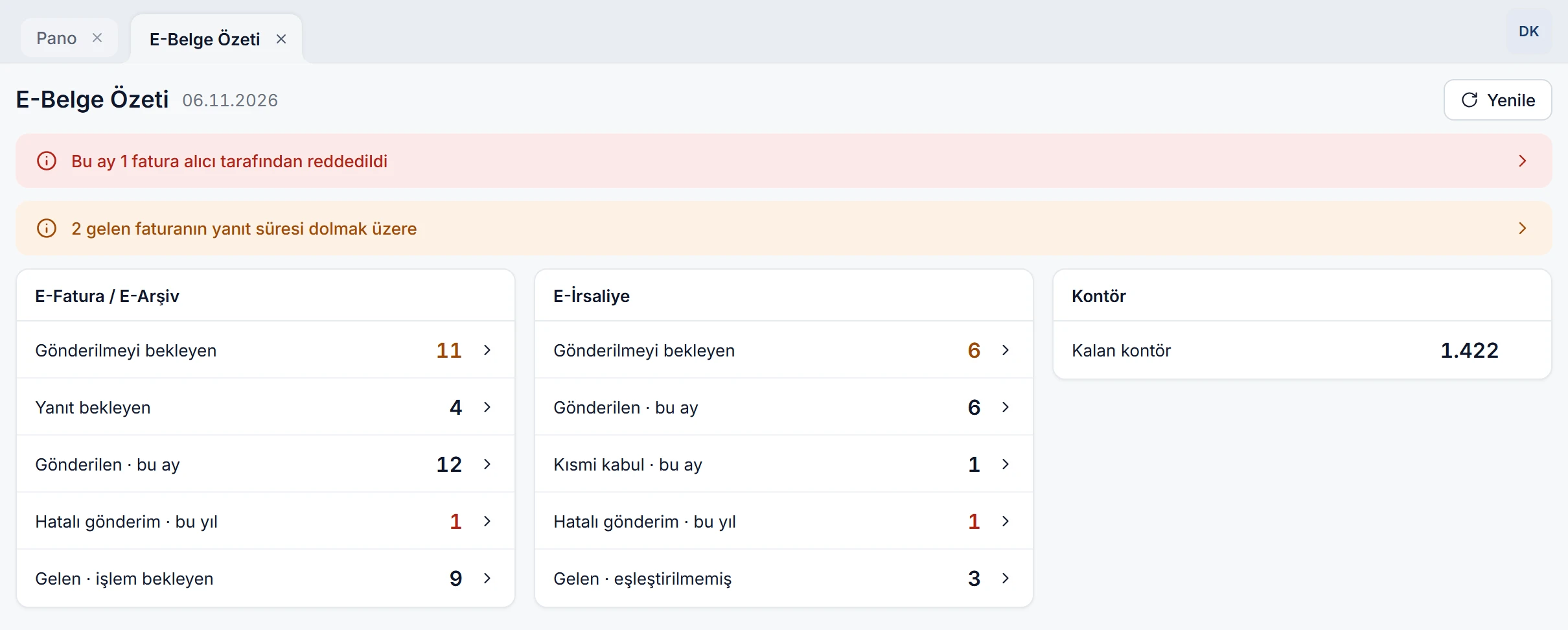
- Remaining credits sit right next to the Send button.
- When you pick a customer, their e-invoice registration is checked with GİB; if it changed, the customer card is updated too.
- For customers with more than one mailbox, you choose which mailbox the invoice goes to.
 Enlarge image