 Türkçe
 Deutsch
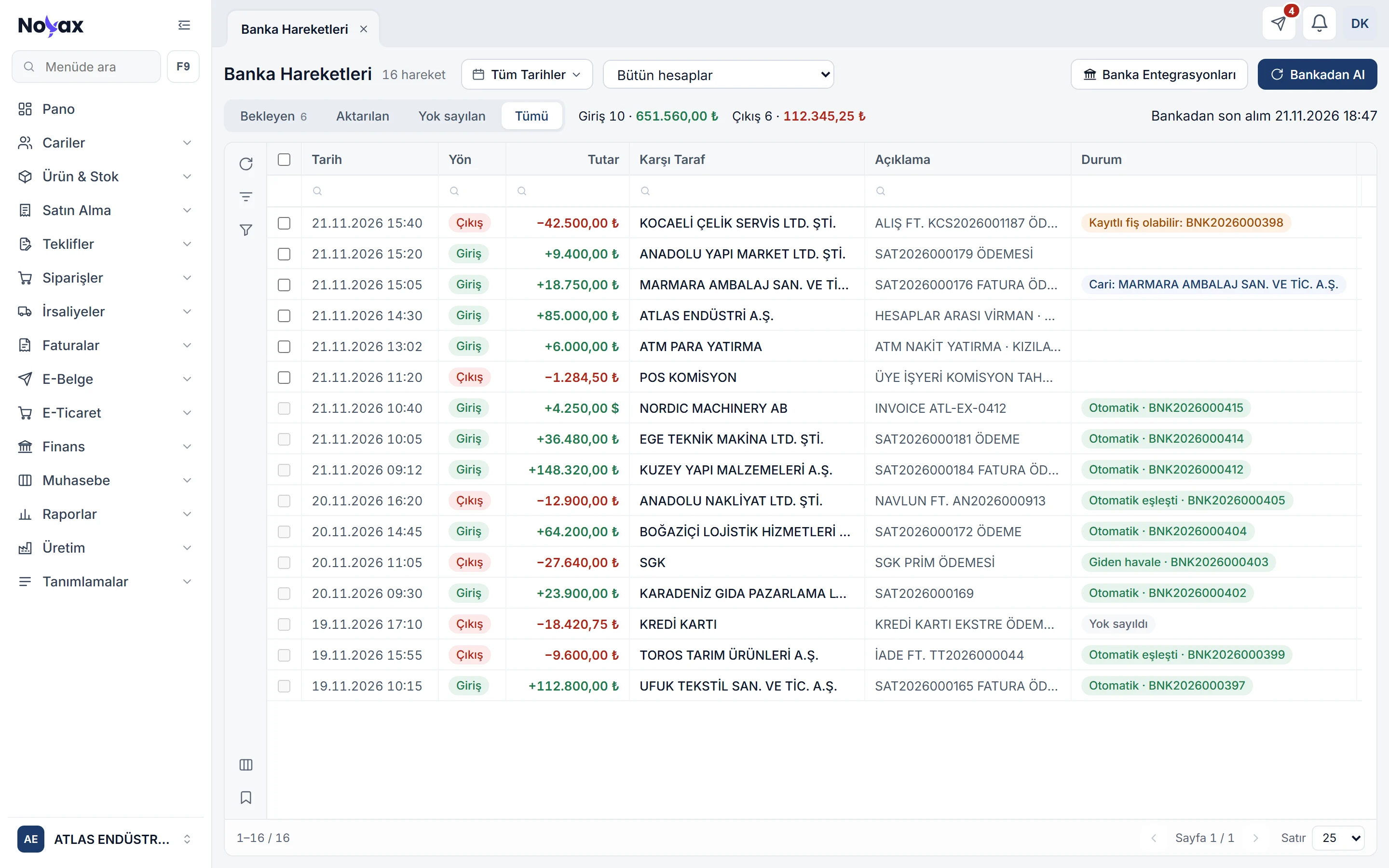
Connect your bank once
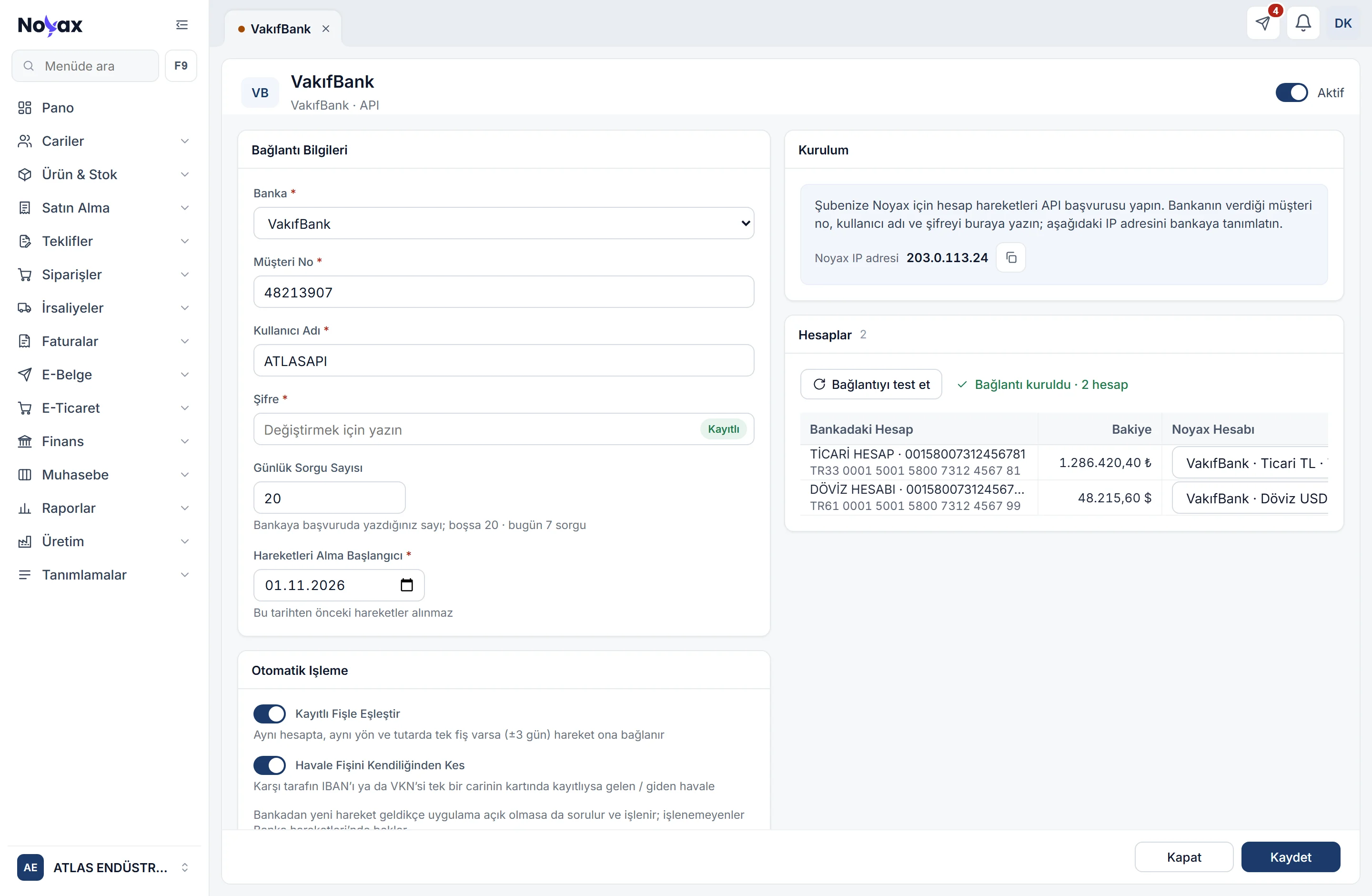
On the Bank integrations screen you open the connection card and enter what the bank asks for, such as customer number, user name and password. When you test the connection, the bank’s accounts come in and are mapped to the Noyax accounts with the same IBAN.
- Secrets such as the password are not shown after saving; the field says “Saved”.
- If the bank limits daily queries, Noyax spreads its queries over the day.
- You choose the date from which transactions are fetched; past days arrive over a few queries.
- Foreign currency accounts connect too; the bank account’s currency must match the Noyax account’s.
 Enlarge image